
The REST API v1 lets your own systems manage codes, read scan stats, upload hosted files, record conversions and manage webhook endpoints. API access depends on your plan.
Create a key
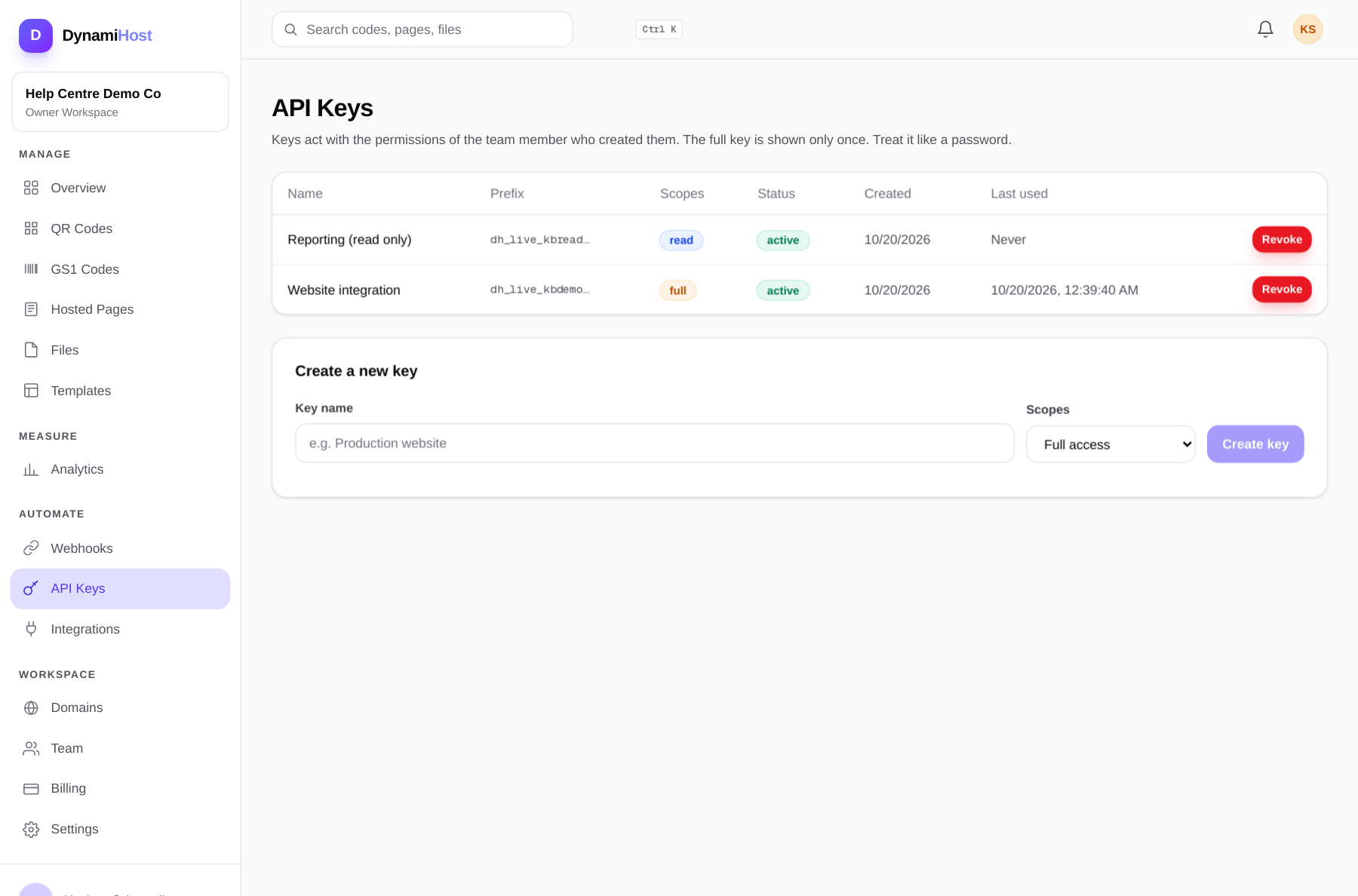
- Open API Keys in the dashboard and create a key.
- Choose the scope. Read keys can only call GET endpoints. Full keys can create, update and delete.
- Copy the key when it is shown. The full secret is shown once at creation and is never stored or shown again.
Call the API
Send the key as a Bearer token:
bash
curl https://dynamihost.com/api/v1/codes \
  -H "Authorization: Bearer YOUR_API_KEY"
Create a code:
bash
curl -X POST https://dynamihost.com/api/v1/codes \
  -H "Authorization: Bearer YOUR_API_KEY" \
  -H "Content-Type: application/json" \
  -d '{"name": "Counter menu", "type": "url", "destination": "https://example.com/menu"}'
Rules that save debugging time
- Use the narrowest scope that works. A reporting job needs a read key, not a full key.
- One key per system. Revoking a leaked key should not take down three integrations.
- Respect rate limits. Responses include the limit state; back off instead of retrying in a tight loop.
- Rotate keys like passwords. Create the new key, deploy it, confirm calls succeed, then revoke the old one.