
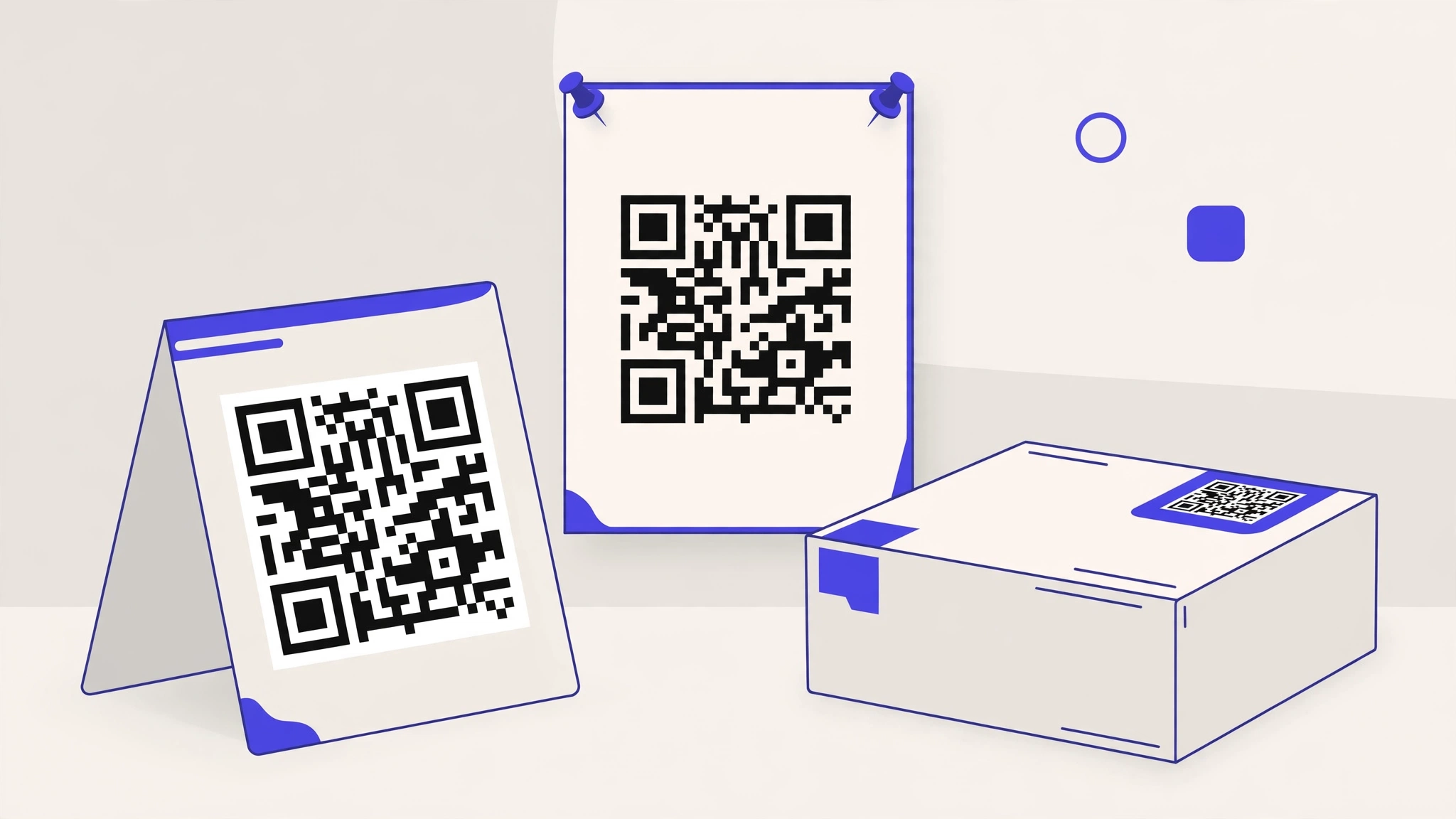
Most scanning failures are printing failures. Follow these rules and your codes will scan in poor light, at an angle, and on mid-range phones.
Size
- Table tents, menus and packaging: at least 2 x 2 cm (about 0.8 in).
- Posters and signage: scale with viewing distance. A useful rule is a code width of about one tenth of the scanning distance, so a code read from 1 metre away should be about 10 cm wide.
- Bigger is always safer. If the design has room, use it.
Contrast and colour
- Dark dots on a light background scan best. The dots should be much darker than the background.
- Inverted codes (light dots on a dark background) fail on many older scanners. Avoid them.
- A logo in the centre is fine, but keep it small and never cover the three corner squares.
Quiet zone
Leave a clear margin around the code, about the width of four dots on every side. Text, borders or artwork touching the code makes it unreadable for some scanners. DynamiHost downloads include the quiet zone; do not crop it off in your design tool.
Finish and placement
- Matte finishes scan better than gloss, which reflects light into the camera.
- Do not print on curves, folds, seams or textured surfaces if you can avoid it.
- Avoid placing codes where glare, condensation or wear is expected, such as freezer doors or outdoor menus in direct sun.
Before any print run: print one copy on the actual stock, with the actual finish, and scan it with the oldest phone you can find.