
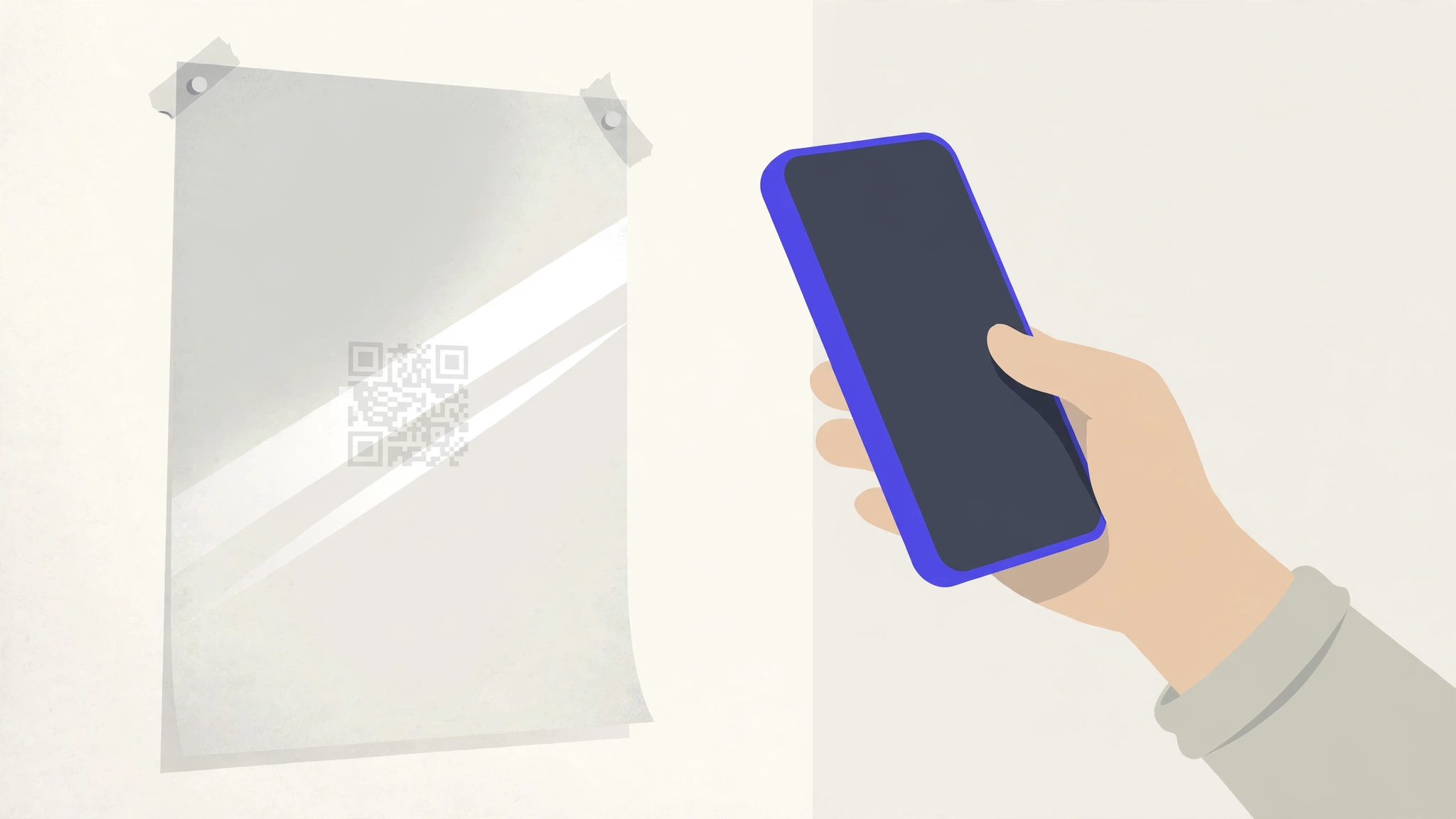
Work through these in order. The first four are printing problems; the last two are settings.
1. It is printed too small
Below about 2 cm wide, many phone cameras cannot resolve the dots at arm's length. Reprint larger, or shorten the path to the code so people scan from closer.
2. The contrast is too low
Light grey dots on white, brand colours close in tone, or light dots on a dark background all defeat scanners. Use dark dots on a plain light background.
3. The quiet zone is cropped or crowded
The code needs a clear margin about four dots wide on every side. Artwork, text or a frame touching the code breaks recognition.
4. The print is damaged, glossy or curved
Glare, scratches, folds and condensation stop cameras focusing. Move the code, switch to a matte finish, or reprint.
5. The code is inactive, expired or not yet started
Open the code in your dashboard and check its status. An expired, paused or scheduled code deliberately shows a holding page instead of forwarding, which looks like a failure to the person scanning.
6. The destination or domain is down
Scan the short link from your phone's browser. If the page itself does not load, the problem is the destination site, or a custom domain whose DNS no longer points at DynamiHost, not the printed code.